
1. Slow page loading speed
1.1. Why page speed affects website performance
Page loading speed is a critical factor that determines user experience. If a website takes more than 3 seconds to load, users are likely to leave and visit competitors. A slow website not only reduces visitor satisfaction but also impacts brand credibility and search engine ranking (SEO). Therefore, optimizing page speed is essential for businesses to enhance online performance and efficiency.
1.2. How to optimize page speed for business websites
To improve page loading speed, businesses need to focus on both technical optimization and UX/UI design:
- Optimize images and videos: Reduce file sizes while maintaining display quality to make pages load faster.
- Remove unnecessary elements: Streamline code and eliminate redundant effects to boost website performance.
- Use caching: Allow websites to load faster for repeat visitors.
- Choose reliable hosting and CDN: Ensure stable access across different geographic locations.
- Design a simple and user-friendly interface: Prioritize clear layouts and smooth interactions to enhance user experience.
2. Cluttered layout and difficult navigation
2.1. Why layout impacts user experience
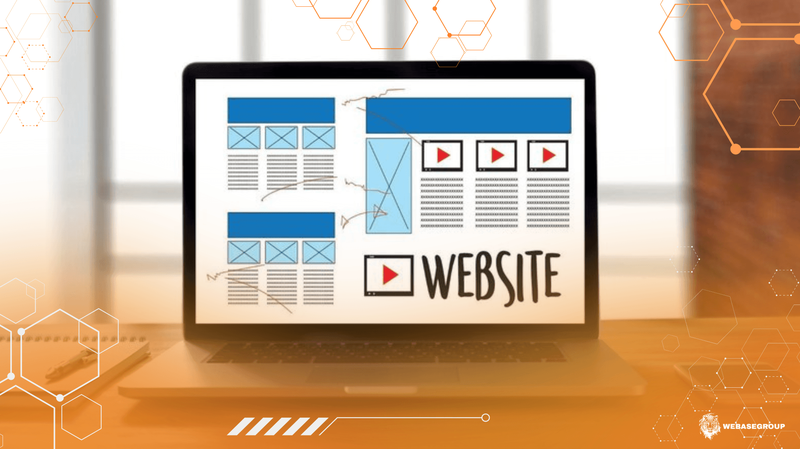
A website’s layout determines how easily users can find information and understand content. A site with a cluttered structure, excessive details, or lacking clear focus can confuse users and waste their time, increasing the likelihood of them leaving. Conversely, a clear and logical layout helps visitors quickly grasp information, enhancing trust and conversion rates for the business.
2.2. How to design an effective website layout
To enhance user experience, businesses should focus on creating a clear and easy-to-navigate layout:
- Prioritize content: Place important information in prominent, easily visible locations.
- Keep the layout clean: Avoid excessive sections or visual elements that create clutter.
- Highlight content with images and whitespace: Make information readable and visually appealing.
- Maintain a consistent design style: Ensure colors, fonts, and heading sizes are uniform across the website.
- Design a clear navigation menu: Enable users to move through the site and find information with minimal effort.
3. Lack of interactivity
3.1. Why interactivity matters
A website lacking interactivity makes it difficult for users to navigate, find information, and engage with the content. When a website does not provide basic interactive features — such as clickable buttons, form submissions, or quick search functionality — users are likely to become frustrated and leave. Conversely, a website with good interactivity helps retain visitors, enhances user experience, and encourages actions like sign-ups, inquiries, or purchases.
3.2. How to improve website interactivity
To enhance user engagement and interactivity, businesses should focus on the following strategies:
- Provide clear buttons and links: Make it easy for users to perform desired actions.
- Design simple, intuitive forms: Ensure contact or registration forms are easy and quick to complete.
- Ensure fast website feedback: Use notifications or subtle effects so users know their actions have been recognized.
- Use interactive elements judiciously: Tabs, carousels, or pop-ups can guide users without creating clutter.
- Guide users through their journey: Strategically place calls-to-action (CTAs) to naturally lead users through the website.

Slow page loading, cluttered layouts, and lack of interactivity are the main reasons users leave a website immediately. Businesses need to focus on technical optimization, clear layout design, and enhanced user experience to retain visitors, build trust, and improve online business performance.
Let Webasegroup accompany your business in professional website development, optimized page speed, and user-centered UX/UI design, ensuring your website runs smoothly, engages visitors, and elevates your brand in the digital landscape.